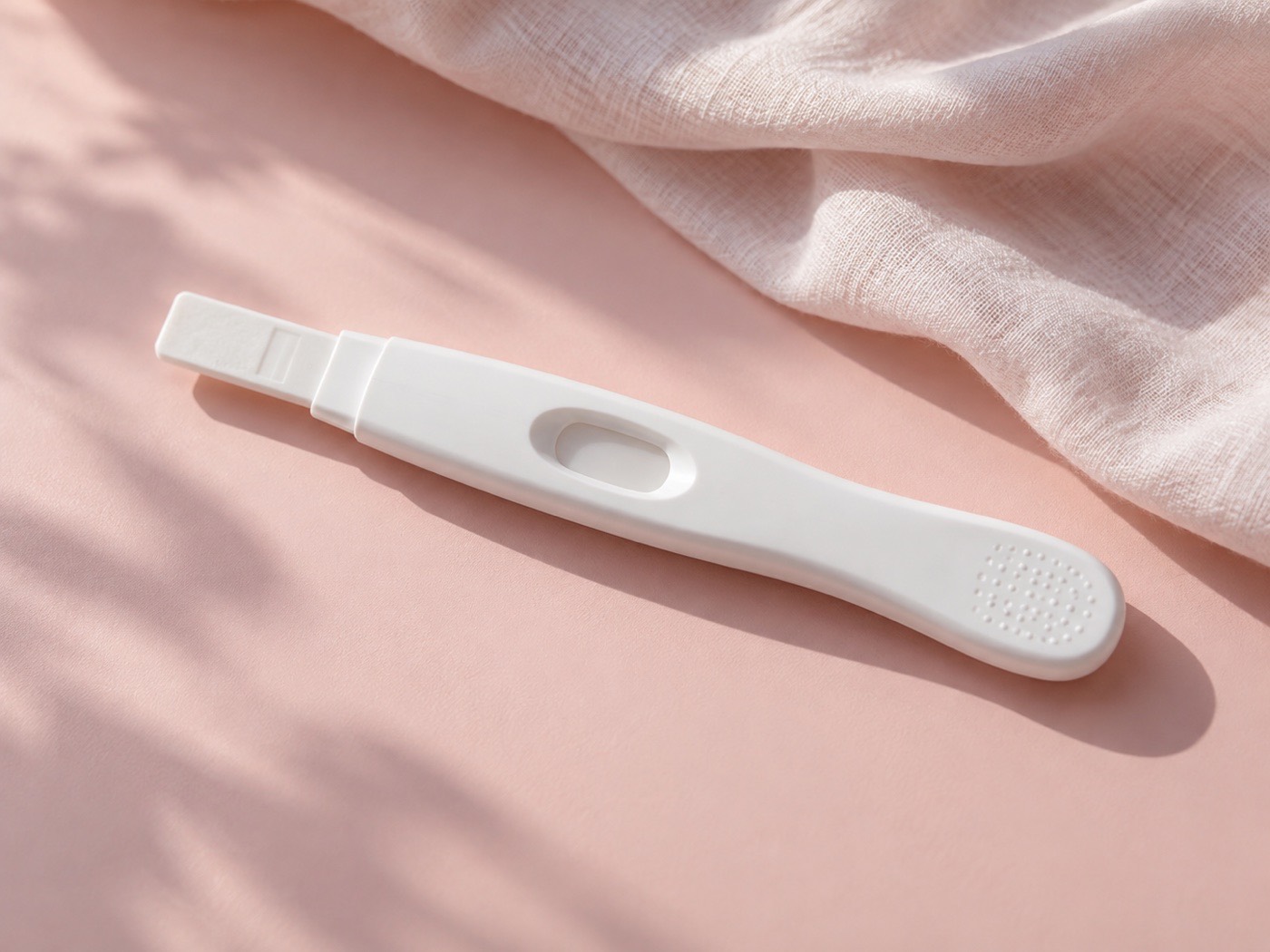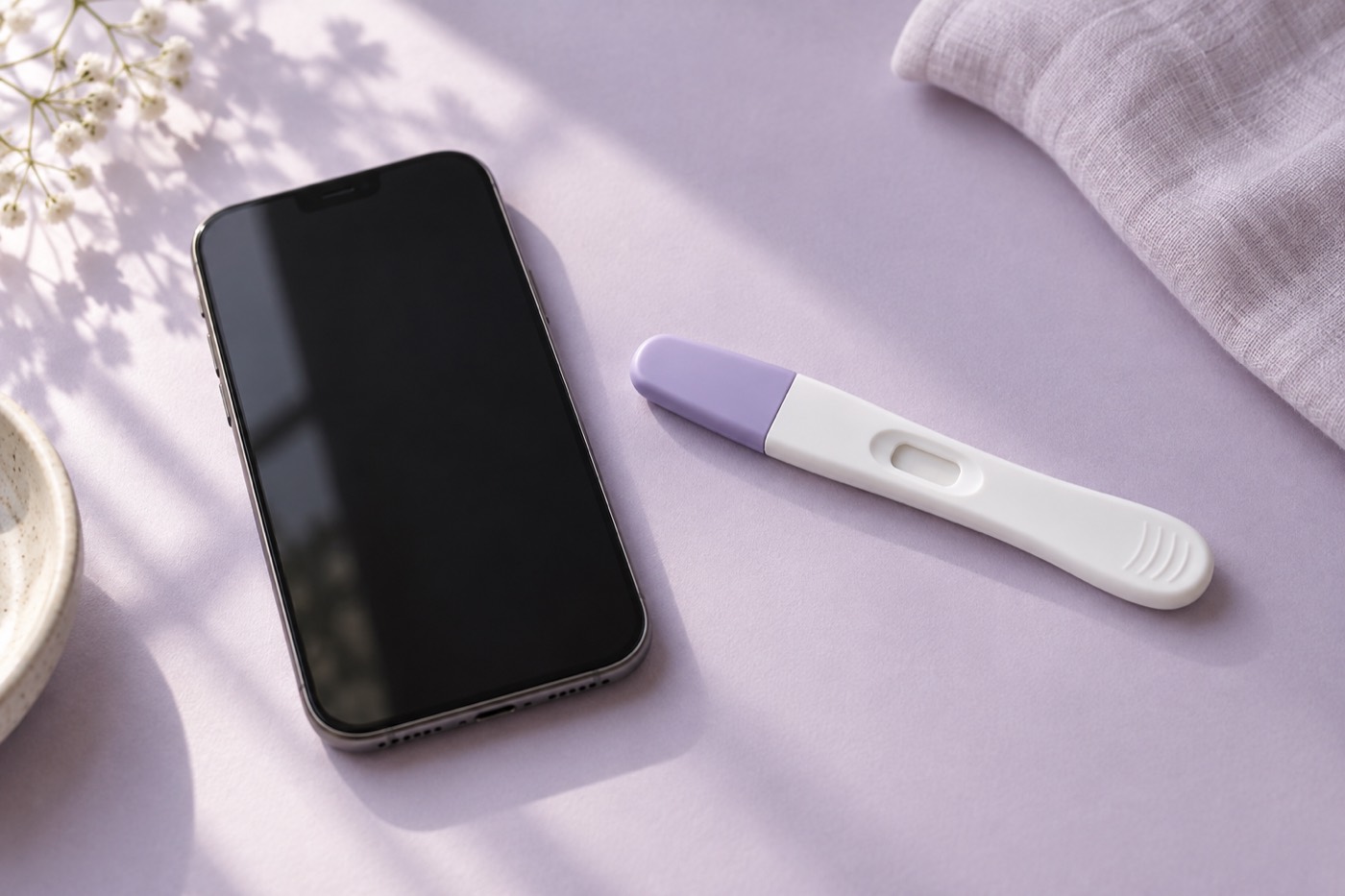
The short answer
Before sharing a test photo, preserve the original and check the product, reading time, price and data policy. 2Lines offers its photo-review experience in an iPhone app; this website does not accept image uploads.
A search for “upload pregnancy test” often means you have reached the end of general articles. You want help with your own picture. It is still worth knowing what happens to the image before tapping an upload button.
Make the photograph useful
Include the whole result area and control indicator. Avoid screenshots of screenshots, extreme digital zoom and filters applied before the original is saved. Keep the test’s identity and timing in a separate note if they are not evident from the image.
Remove unrelated personal information from the background: prescription labels, letters, faces and identifiable documents are not needed to inspect a test. Our capture guide explains lighting and focus in more detail.
Check location metadata before sharing from iPhone
A photo can contain location information that is not visible in the picture. Apple explains that a recipient may be able to read embedded coordinates. Removing an address label from the background does not address that separate information. Apple: manage photo location metadata.
- Inspect: open the photo in Apple Photos, then swipe up or tap Info to review its location information.
- For a Photos share: tap Share, then Options, and turn off Location. Apple’s guide says “Location Not Included” appears before you choose the sharing method.
- For the saved photo: Apple’s current guide describes More → Adjust Info → Adjust Location → No Location.
The Share Sheet setting applies to that sharing flow. Do not assume it also changes what is sent when you later open a checker and choose the photo inside that app. These are Apple Photos controls, not controls promised inside 2Lines. Source checked 20 September 2026. Apple: manage photo location metadata.

Photo access is different from deleting an upload
Apple distinguishes sharing through Photos from choosing an image inside another app. Photo access can include associated metadata. Review an app’s photo-library access in Settings → Privacy & Security → Photos; where limited access is available, choose the images that app may access. Apple: Photos and privacy.
Changing a library permission is not the same as asking a receiving service to delete a copy it already has. Before uploading, check that service’s retention and deletion instructions. Removing location information also does not hide identifying details in the visible picture or make a public post private.
Keep your untouched original privately for reference. If you make a separate sharing copy, keep the whole test and control area visible and disclose any crop or edit. Keep the product and reading-time notes separately, using the printable capture checklist if helpful. These are practical editorial checks, not a guarantee of anonymity or a pregnancy diagnosis.
Four things to check on an upload service
- Destination: does the image stay on your device, go to a server or become a community post?
- Retention: is deletion explained, including any service providers?
- Access: will an account, app install or payment be required to see the advertised review?
- Scope: does the service acknowledge an unclear image or promise a verdict on every photo?
A privacy promise should explain the actual photo path. “Private” is too vague to answer all four questions by itself.
Free online checker or iPhone app?
These are different experiences. An online tool might run in a browser or require an upload; an app asks you to install software. Free access may cover only part of either flow. Read the offer before sharing rather than assuming the word “free” applies to the result.
For 2Lines, use the app overview and App Store listing to review availability and purchase information. There is no hidden browser uploader on this page.
Keep the image question separate from confirmation
“Can you see a mark?” and “Am I pregnant?” are not identical questions. A service might help with the first while lacking the information needed for the second. A photo cannot recover unknown timing, explain every artifact or supply medical context.
If you are comparing a faint mark with other pictures, our example-picture guide will help you assess the comparison before relying on it.
About this guide
Written by the 2Lines editorial team. Educational information, not individualized medical advice. This article has not been reviewed by a clinician. Product-specific statements link to the referenced manufacturer’s instructions; always check the leaflet supplied with your own test.
Published · Updated 20 September 2026. Sources, corrections and editorial policy.